

Guide for Balena Etcher
If you need a guide for Rufus, click here.
Otherwise follow the following steps.
First, navigate to https://etcher.balena.io/
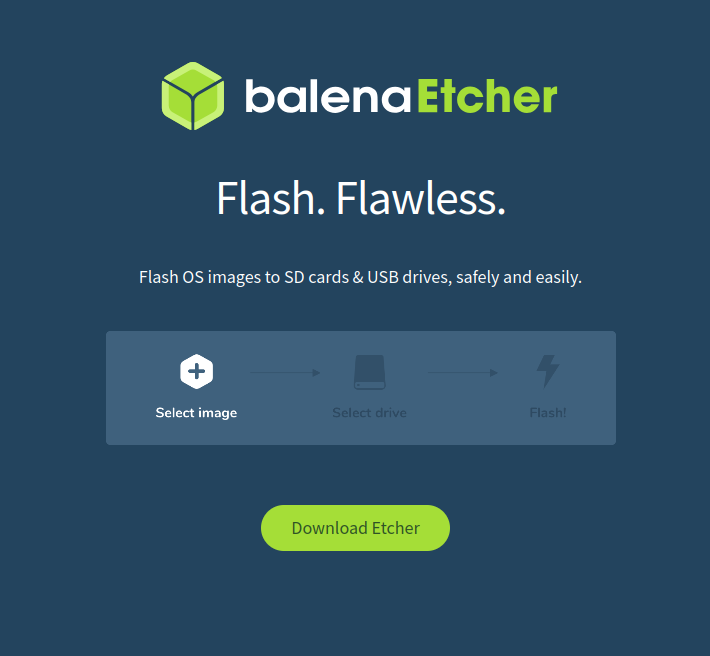
Then you need to click on “Download Etcher”.
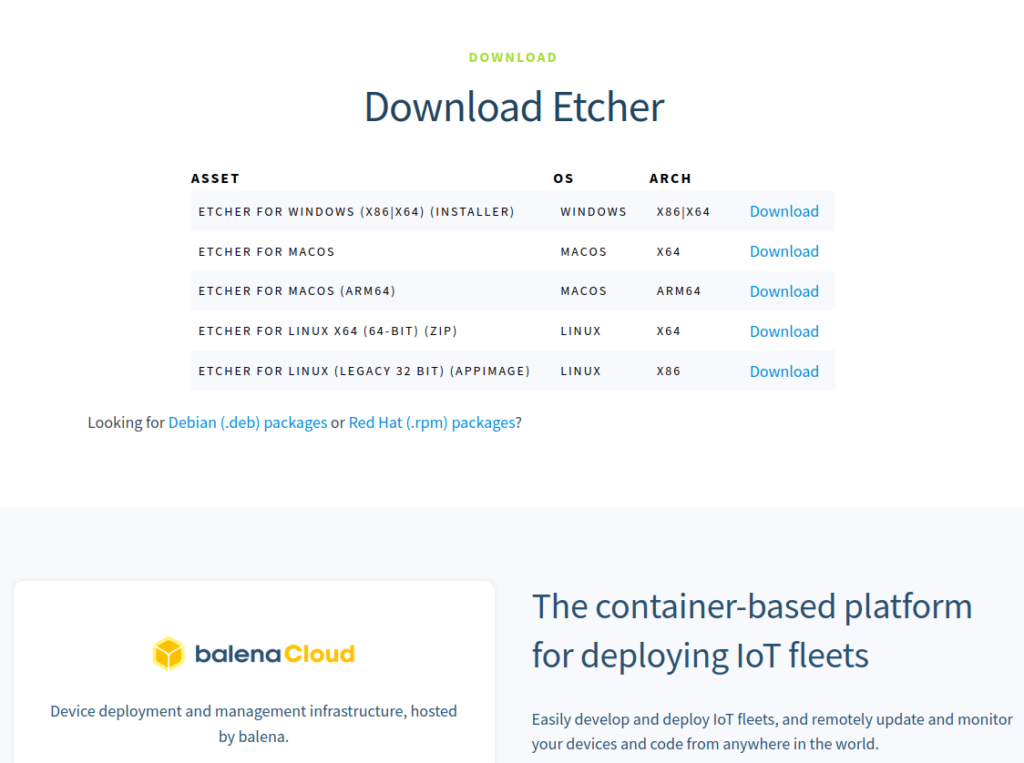
Download the correct release for your Operating System. You can always check out their Github Releases.
https://github.com/balena-io/etcher
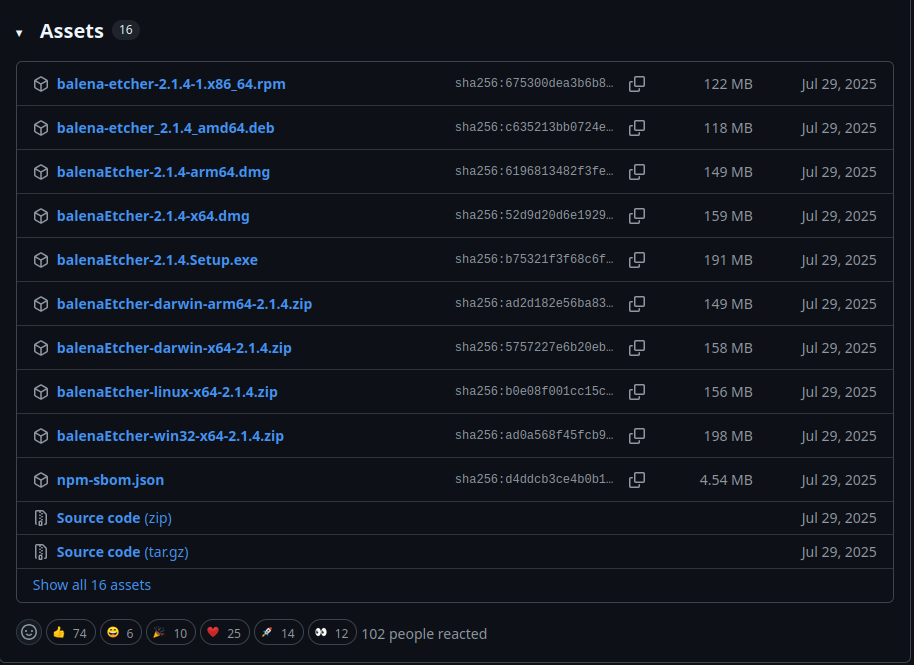
Once you locate and download the appropriate file for your Operating System, you need to unzip/extract it. Then you need to install Balena Etcher and follow the steps below to continue.
Steps:
1. Open Balena Etcher
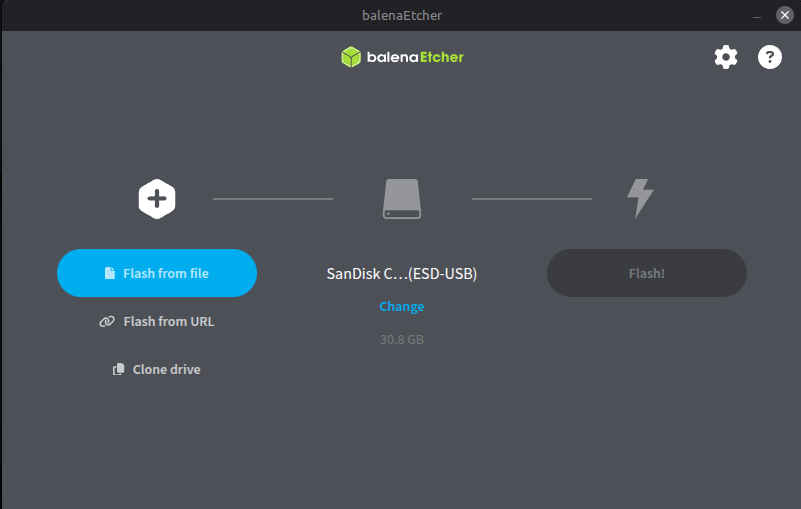
2. Click “Flash from file”
3. Select the extracted Hive OS image
4. Choose your USB or SSD
5. Click “Flash” and wait for completion
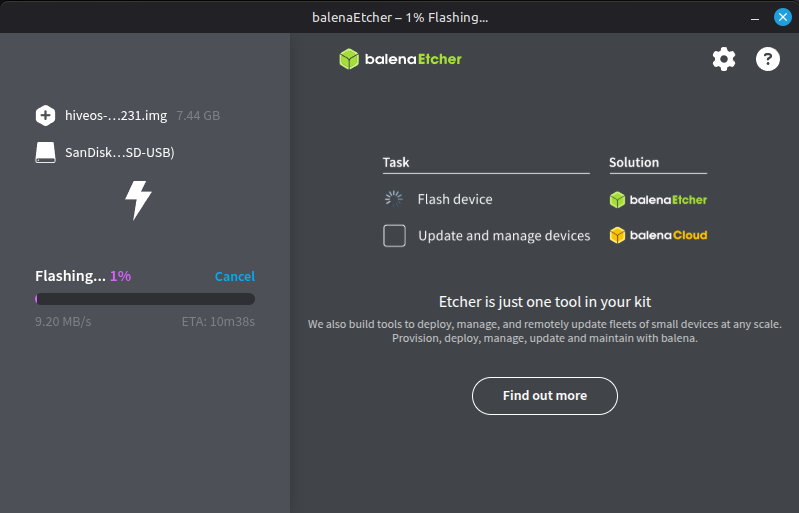
Once finished, safely eject the drive.
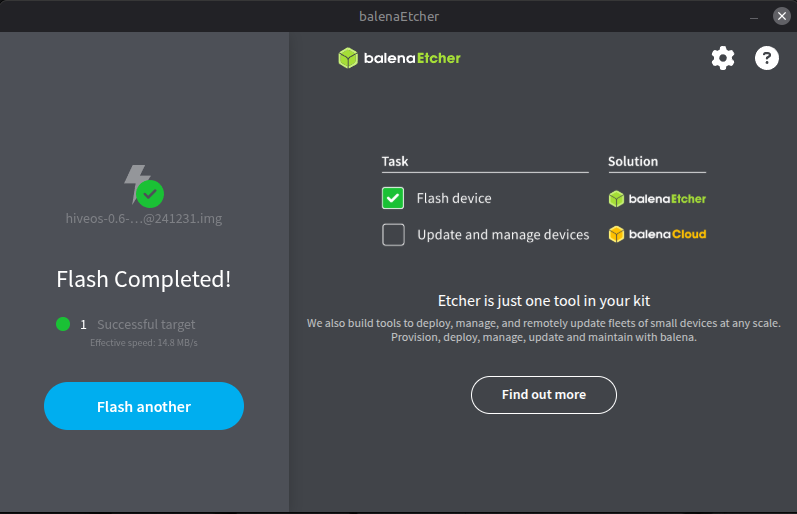
Once the flash is completed you can head back over to the Hive OS mining guide.


